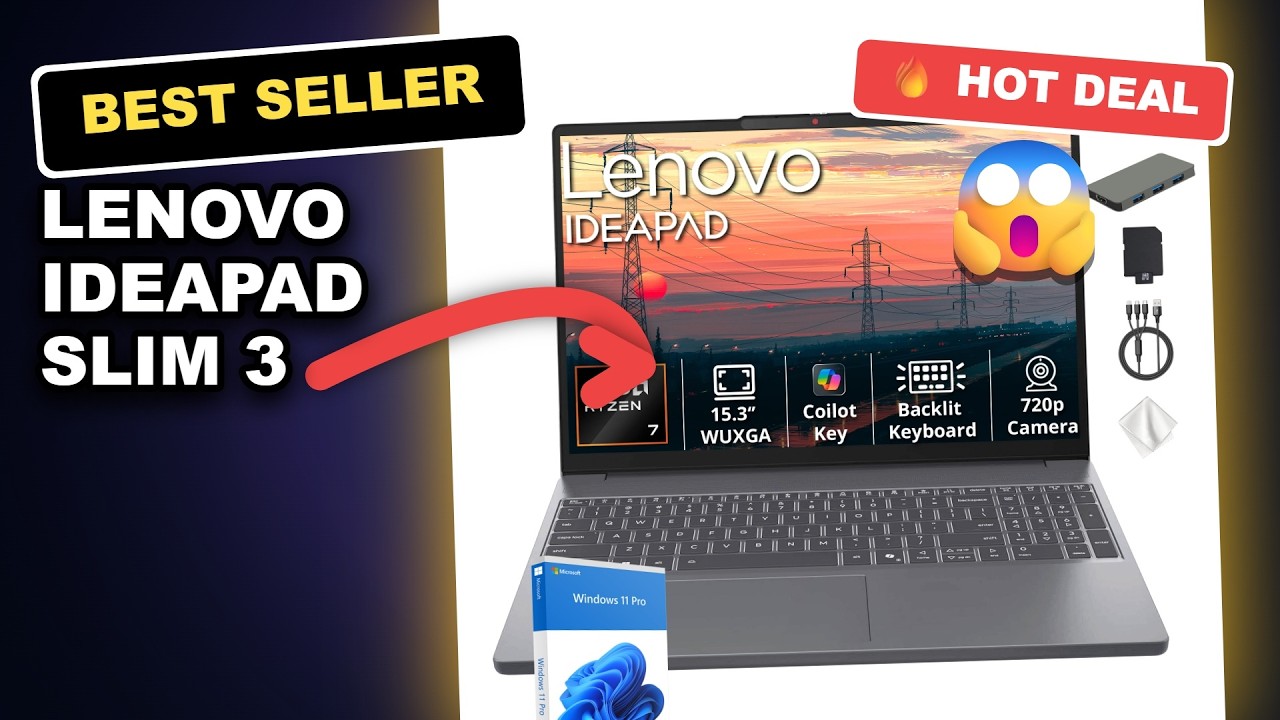
Backlit Keyboard Laptop
Lenovo IdeaPad Slim 3 15.3" Touch Laptop Review: Is This AMD Ryzen 7 Powerhouse Worth It?
Price varies
The Lenovo IdeaPad Slim 3 15.3" WUXGA Touch Laptop targets students, professionals, and everyday users seeking a balance between performance and portability. With an AMD Ryzen 7 8840HS processor, 24GB RAM, and a massive 3TB storage solution, this laptop promises to handle multitasking, creative work, and entertainment seamlessly. But does it deliver on those promises, or are there hidden trade-offs? This review breaks down the key features, real-world performance, and whether this configuration justifies its value in today’s competitive laptop market. The IdeaPad Slim 3 sports a sleek gray aluminum chassis with a matte finish that resists fingerprints and smudges. Measuring 14.1 x 9.3 x 0.7 inches and weighing just 3.5 pounds, it’s designed for portability without sacrificing durability. The 15.3-inch WUXGA touchscreen delivers vibrant colors and sharp details at 1920x1200 resolution, ideal for note-taking, media consumption, and light creative tasks. The backlit keyboard offers comfortable typing with decent key travel, while the spacious touchpad supports Windows precision gestures. Build quality feels solid for a mid-range laptop, though the plastic hinge and flex in the lid suggest it’s not built for extreme durability. Under the hood, the AMD Ryzen 7 8840HS processor with Radeon 780M graphics provides strong performance for everyday productivity and light creative work. The 24GB RAM (upgraded) ensures smooth multitasking, while the 2TB SSD + 1TB docking station storage offers ample space for files, applications, and media. Wi-Fi 6 support delivers faster and more stable wireless connectivity, and the 720p webcam with privacy shutter is adequate for video calls. Compared to competitors like the Acer Aspire 5 or HP Pavilion Plus, the IdeaPad Slim 3 stands out for its touchscreen and storage flexibility, though its battery life (around 6-8 hours) is average for this class. The AMD Radeon 780M handles integrated graphics tasks well, but don’t expect to run demanding games or 3D rendering smoothly. The WUXGA touchscreen is the standout feature, offering a 16:10 aspect ratio that provides more vertical screen real estate for documents and web browsing. The touch response is responsive and accurate, making it a practical choice for note-taking or casual drawing. The laptop runs Windows 11 Pro out of the box, which adds enterprise-grade features for business users. However, the 45Wh battery may require midday charging for heavy users, and the lack of Thunderbolt support limits high-speed peripheral connectivity. For the price, the IdeaPad Slim 3 delivers a compelling package for students, remote workers, and professionals who prioritize a touchscreen and storage capacity over raw power or premium build quality.
Price varies
Price varies
Price varies
Price varies